PitPipe
Your personal race engineer for LMU. Real-time audio feedback and data logging for sim racers. Now with Zero-Config setup.
Features
🎧 Real-Time Audio Feedback
Get instant alerts for yellow flags, faster cars, and new personal bests via your race engineer.
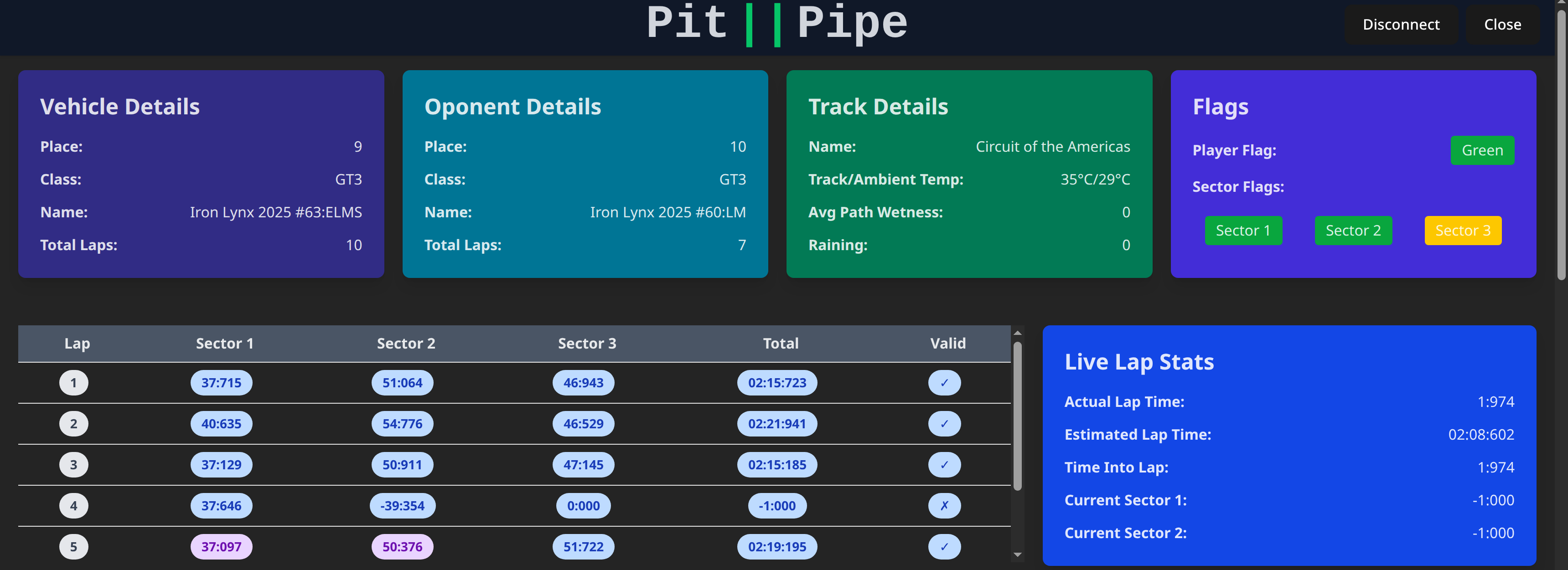
📊 Live Telemetry
Direct connection to LMU's web interface. No plugins or DLLs required.
🚀 Zero Configuration
Just start the app and race. PitPipe automatically syncs with your running game.
🐧 Cross-Platform
Native support for both Linux and Windows sim racing setups.
Download PitPipe
Latest version: v1.1.0 (Web-API Edition)
🛠️ Quick Start
Download & Extract
Download the version for your OS and extract the ZIP file to a folder of your choice.
Start Le Mans Ultimate
Launch the game as usual. PitPipe uses the built-in Web-Interface to communicate with the simulation.
Run PitPipe
Run the pitpipe executable. The app will automatically detect your session and start providing feedback.
Note: No DLLs or plugins are required anymore. PitPipe is now fully standalone.